by Jonny | May 15, 2013 | Travel
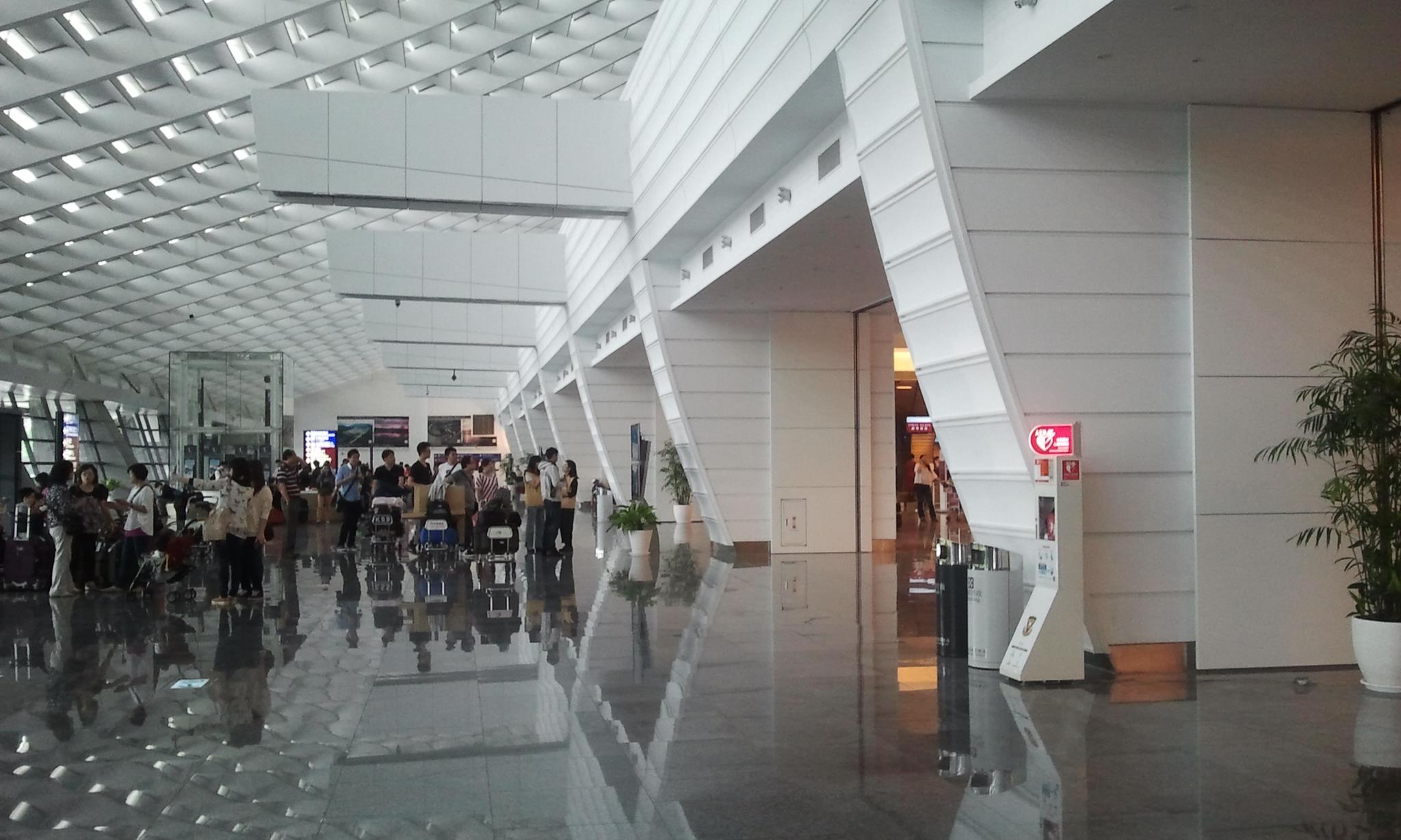
Taoyan Airport
Okay, so I haven’t traveled much around the world and Taiwan is likely the first place I have traveled abroad to in years; well, other than South Korea and Hong Kong. Anyways, I came extra early to the airport because, well, I’m paranoid like that. I have a lot of free time, so why not make use of the time and post on this blog from the airport. Admittedly, this is the first time I have posted on a blog through an outside WiFi connection, especially at an airport. I’m currently using Taoyuan’s “Free Airport Internet” and it’s working great. Of course, the connection is not 100% or like I had in my home in Taichung but it’s definitely adequate and it’s uploaded all the pictures I’ve taken relatively quickly.
I don’t know what else to write, other than having a safe and no problem journey. Oh, and here’s what I ate at the Burger King at Taoyuan airport:


by Jonny | Apr 27, 2013 | Updates
Wix is a free web service, similar to what Geocities was, and that provides people the methods and means to open up websites using one of their pre-made templates. Last week I gave my first impressions of their affiliate service. Today, I’ll be sharing my progress with their affiliate service that I’ve been using on my Simple Templates website.
I thought I’d give an update on the Wix affiliate program that I recently signed up with for one of my sites. It’s been under a week or so since I’ve been using Wix’s affiliate program.
Have I struck any gold with them?
Not yet. I’m still working on that.

Currently, I’ve only signed up 7 people, out of the 36 people who have clicked on the Wix affiliate ads. Obviously, to gain any affiliate sales, I need those 7 people to be spending money on subscriptions with Wix. This simply has not happened yet & I’m not sure if I’ll be with Wix any longer because my site, really, caters to those who are looking for free stuff. They aren’t people whom are looking to pay for hosting, templates or anything. I’m not sure that “affiliates systems” will work for the site in question that is working these ads. I’m still going to leave the Wix affiliate ads on for an indefinite period, as I don’t know much about affiliate marketing and this is some first hand experience into this market.
Feel free to comment on any affiliate techniques that you have or if you’ve been using Wix’s affiliate service. Thanks.
by Jonny | Apr 14, 2013 | Updates

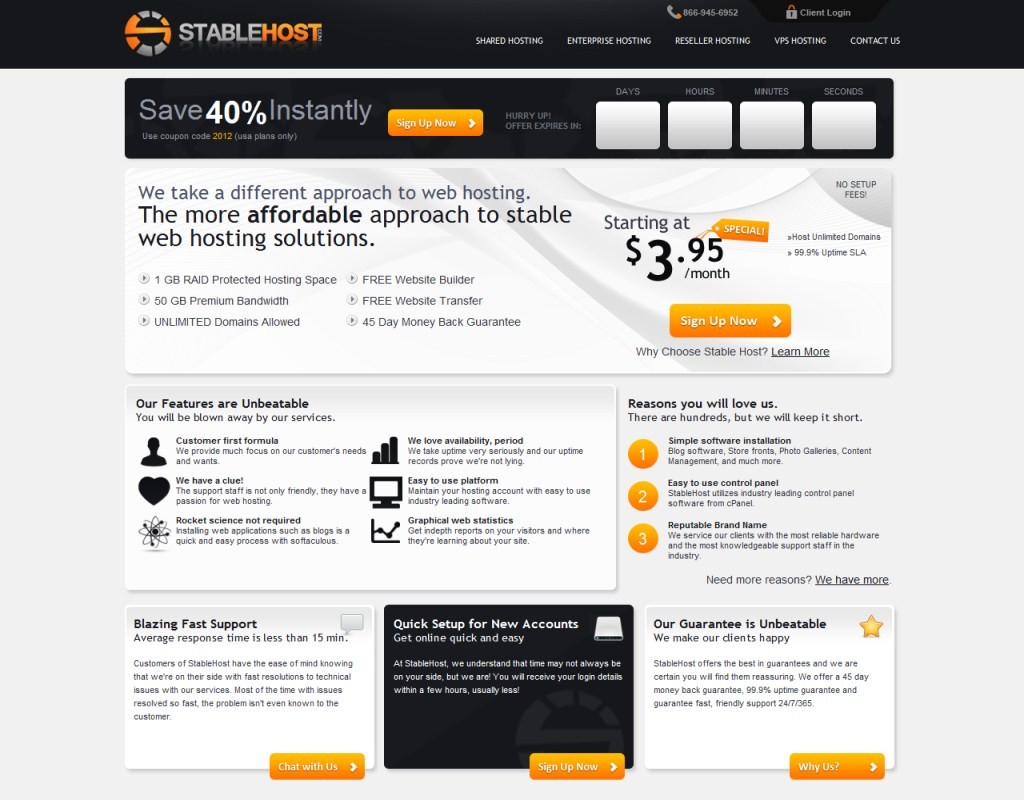
I haven’t done a review of a hosting company in a while now and I remember when I used to use dedicated servers and VPSs that I used to do periodical reviews of them to ensure that they’d keep their quality.
Ever since becoming a shared hosted user, I’ve never really done a review for shared hosts as I didn’t consider them that important. That is, of course, far from the truth. However, I’ve got to give my current host credit as they have recently, or especially this year have been very good.
Last year, however, I had a few bad experiences and I very nearly switched web hosts.
Those bad experiences included my entire web directory being exposed for a brief period on an aggregate directory.
I was, however, compensated for that and I actually haven’t had to pay any hosting bills, for the past 5 months, as they credited my account with $50; my web hosting monthly bill is only $3.95. – I still have 3 months of free web hosting left.
While the host has not been perfect, they haven’t done anything else to make me switch to another web host. However, I still am thinking very hard of switching hosts due to other reasons.
In 2012, however, I faced serious problems with things being slow and I asked if I could be moved to another server. They did this and I saw improvements. But, as I’m writing this now, I’m getting really bad loading times on my websites. It has made me want to move hosts and I’m still thinking about moving.
I’d like to add that for the first 3-4 months or the majority of 2013, things have been running smoothly. I haven’t really had any problems. However, I can’t always monitor my site and at times I do get rather annoyed with how slowly my sites are loading. Whether it’s a user on the same server using a lot of CPU or their servers not being up scratch; well, I don’t know.
While their servers speeds have been an issue, their support is superb. I’ve been with Stable Host since December 2nd, 2011 and I whenever I’ve needed to contact them, I haven’t been left stranded and they do reply. After checking my support tickets, they seem to respond within the hour, which is pretty decent for a shared host. I remember the last host that I left in-place for Stable Host responded within 1-3 hours.
I’m quite content and happy with their response times; however, this year, I haven’t really had to contact them all too much as their service, for the most part, has been going well. Aside from periodical slowness, I can’t complain too much. But that is also a deal-breaker for me. If my sites are running slow then people won’t like browsing my sites and that simply is not good. Are their servers being overused? Who knows. Are they pro-actively taking care of it? I don’t know.
While I think this host is ‘okay’, I definitely think they need to make improvements. I would rate this host 3 out of 5.
Armour.ws – Website that debates/posts news updates on current world affairs and armoured military vehicles.
Political website that talks about the US president and his election win.
My personal blog, which you are browsing right now! 🙂
My
photography website. I take pictures with my Lumix FZ-28 and post them up on that site!
Download 3 of the best
simple templates you’ll ever need to use. (Slight exaggeration)

by Jonny | Sep 19, 2012 | Travel
Chinese: 今天我和我的狗狗在台中散步!
English: Today, I walked around Taichung with my dog!
Let’s just say I might make it a habit to go around Taichung by myself in the morning just to look around, it’s so peaceful and the exercise is good. Plus, it’s like exploring, seeing places you haven’t seen before and you get to see how things work in the morning, like people rushing to go to school, work or things like that. Anyway’s, here are my pictures for today! 🙂

This is MODE Mall (德安購物中心) in Taichung, just across from Taichung Station. (台中火車站)
Next.

People in Taichung heading to work.
Next.

Looked like a really old alley way, so I thought it would make for a nice picture. This is also an entry way to peoples homes!
Next.

Came across this today, it’s across from the MODE mall, but damn, this building is so narrow. It is the narrowest building I’ve seen in Taichung.
Next.

Just waiting to cross the road. (我等一下、過馬路)
Next.

Police scooters! (警察摩托車)
Next.

This is a 警察車 or police car! They drive around in what I’ve come mostly across as Mitsubishi vehicles from Japan!
Next.

This is the view from when you exit the entrance of 台中火車站 or Taichung Train Station!
Next.

Front view of Taichung station! (前端台中火車站)
Next.

我的狗狗! My little baby doggy! She’s so cute! 🙂
It was great exercise and it was quite enjoyable. All in all, we walked for around 2 hours! 🙂 I love having free time!
by Jonny | Jan 26, 2012 | Updates
If you have been reading my blog, which likely isn’t the case, you’ll have read that I went back to my parents place for Chinese New Year/Lunar New Year. I took a few pictures here and there, and they were large files which meant they needed compressing before I could upload them to my blog. I looked at a few software’s and most if not all I came across either placed a watermark on your image (As it was the free version of that particular software I downloaded) or you had to compress files, one by one; a timely process if you have lots of images. I have my laptop, on which I had already installed a software before-hand called “Fast Stone Image Viewer“.

As you can see from the image above, there are lots of options and this may look complicated, especially if you are only looking for a simple image compressor to compress your large files. However this gives you lots of options. For example, as you can see in the image above, you can add a border to give off a nice effect around the image itself.
You can also see me highlighting with my cursor on the “Batch Covert” option in tools, once you have highlighted the images in the Fast Stone Image Viewer browser. Simply click that and you’ll be brought to this part of the program:

From the above image, you can see that it has all the images listed on the right hand side. You can make additional changes, such as adding a border, changing the names of the files etc in batch and generally selecting the best options which you want personally. This tool is very handy. It has compressed my images from around the size of 3-4mb to 1mb. (While keeping a very high resolution of over 2xxx by 2xxx) You can of course make the resolution smaller, which will significantly cut down the size of the file, while seeing no reduction in quality.
Best thing of all about this software? It is free. When I mean free, it isn’t that bullshit, which comes with Ad-ware or you do not get messages popping up all the time suggesting you to buy the “pro version”. This is totally freeware. Although they do sell a version which you can buy, you really don’t need it, if the above is all your are looking for.
You can download the software on their website here: http://www.faststone.org/